Receipt fields and the Section 18A toggle
In short: The receipt form has a core set of fields (donor, type, amount, date, method, allocations) plus a hidden Extra Fields section (forex amount, reference, notes). The Section 18A Certificate Required tick only flags the receipt for a certificate — it does not issue one.
Overview
When you capture or edit a receipt, the form shows a core set of fields plus a hidden Extra Fields section. This article explains every field, what's required, and how the Section 18A Certificate Required toggle works. Section 18A refers to the tax certificate South African donors use to claim a deduction for a qualifying donation.
The receipt form fields
These appear when you create or edit a receipt (in the Create New Receipt or edit pop-up):
| Field | Required? | What to enter |
|---|---|---|
| Donor | Yes | The donor the donation is from. Selected by searching. Cannot be a deceased donor. |
| Receipt Type | Yes | The kind of receipt (e.g. Donation), chosen from the dropdown at the top of the pop-up. See Receipt types. |
| Amount | Yes | The rand amount. Must be a number between 0.01 and 999,999,999.99. |
| Donation Date | Yes | The date received, in dd/mm/yyyy format. Must be today or earlier and within the last 5 years. |
| Receipt Method | Yes | How the donation was received (Cash, a bank account, etc.). See Receipt methods (what they are and managing them). |
| Section 18A Certificate Required | No | Tick to flag that a Section 18A certificate should be issued for this donation. |
| Allocations | Yes | One or more project allocations. The amounts must add up exactly to the receipt amount. See Allocating receipts to projects. |
The "Last receipt" panel
When you select a donor, a panel may show their LAST RECEIPT number, date and amount. This helps you avoid accidentally re-entering the same donation. If you type an amount and date that exactly match the last receipt, ActiveDonor flags a possible duplicate ("Duplicate receipt detected. Please check the amount and date received.") and disables submission until you tick Allow duplicate receipt.
Extra Fields
Click the Extra Fields button to reveal three optional fields:
| Field | Required? | What to enter |
|---|---|---|
| Forex Amount | No | The amount in a foreign currency, with the currency chosen from the dropdown (see below). A convert button calculates the rand amount for you. |
| Reference | No | An internal payment reference (max 255 characters). Marked For Internal Use only. |
| Receipt Notes / Description | No (Yes for Goods in Kind) | Notes that appear on the receipt PDF and print document (max 255 characters). Becomes Description of Goods and is required when the receipt method is a Goods in Kind method. |
The foreign currency dropdown offers: USD, EUR, GBP, AUD, CAD. See Converting foreign-currency donations.
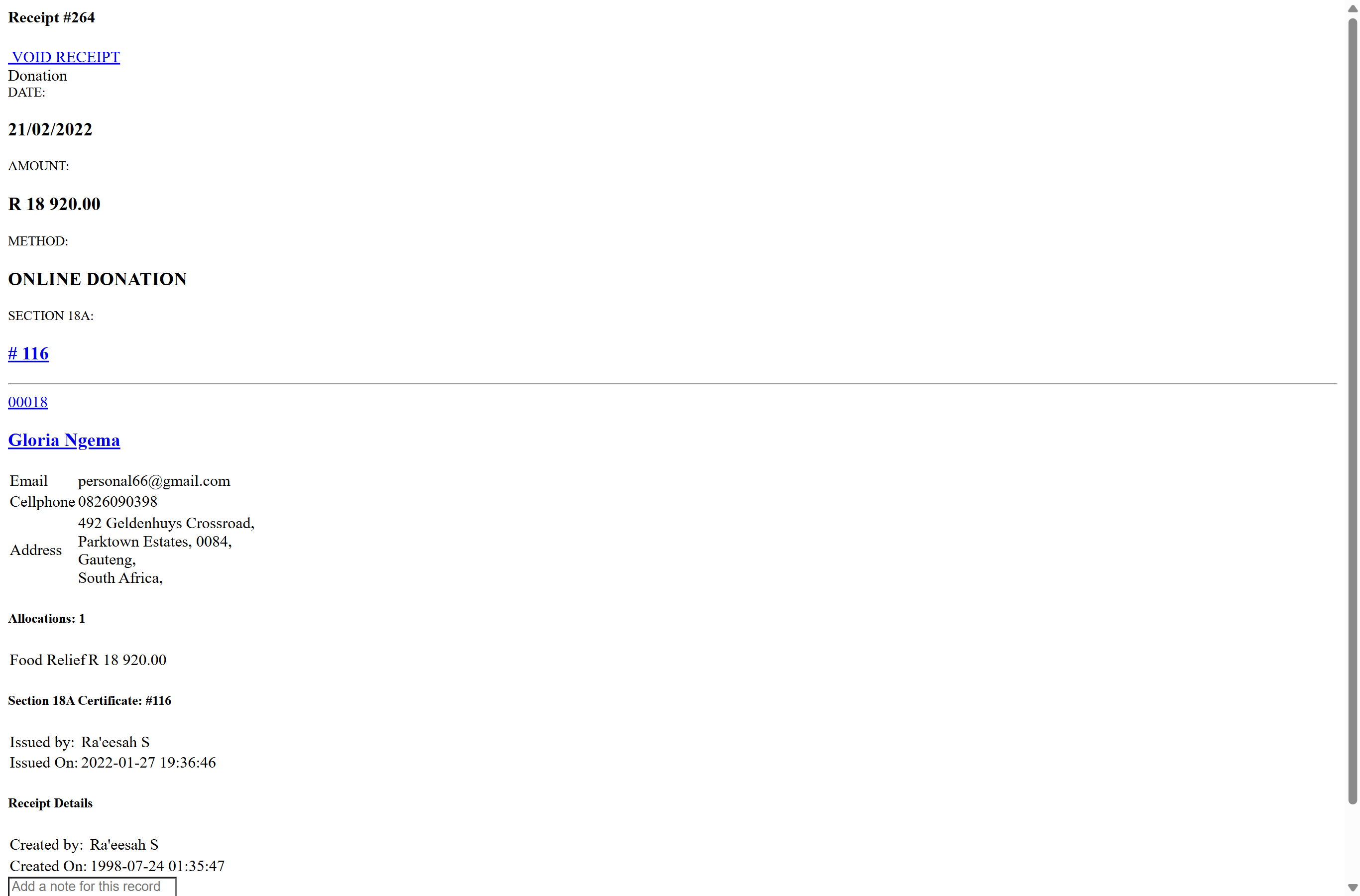
What the Section 18A Certificate Required toggle does
The Section 18A Certificate Required checkbox on the receipt does not issue a certificate by itself. It is a flag that marks the receipt as needing a Section 18A certificate, so it shows up when you issue certificates (individually or in bulk). If the donor's record is set to always require a certificate, this box is ticked for you automatically.
To actually issue the certificate, use the Section 18A tools after the receipt is saved — see Issuing a single Section 18A certificate (open the receipt and click Issue Certificate) and Batch and combined Section 18A certificates (put several receipts on one certificate). A donor must have the required tax details before a valid certificate can be issued — see Section 18A eligibility and required donor tax details (donors need a tax number, ID/registration number and address).
Goods in Kind and the description requirement
If the selected Receipt Method is mapped to the 18A donation type Goods in Kind, the form changes: the notes field is relabelled Description of Goods, marked with a red asterisk, and becomes required. This is because Section 18A certificates for in-kind donations must describe the goods. If you leave it blank you'll see: "A description of the goods is required for Goods in Kind donations (needed for Section 18A)."
Whether a method counts as Goods in Kind is set by its 18A Donation Type — see Receipt methods (what they are and managing them).
Common issues & solutions
| What you see | What it means | How to fix it |
|---|---|---|
| "A description of the goods is required for Goods in Kind donations (needed for Section 18A)." | The receipt method's 18A type is Goods in Kind, which needs a description. | Open Extra Fields and complete the Description of Goods. |
| "Duplicate receipt detected. Please check the amount and date received." (submit disabled) | The amount and date match the donor's last receipt. | If it's a separate donation, tick Allow duplicate receipt. |
| The Section 18A box is ticked and I can't untick it / it ticks itself | The donor's record is set to always require a Section 18A certificate. | Change the donor's setting if certificates are not always needed; see donor settings. |
FAQ
Does ticking Section 18A Certificate Required issue the certificate? No. It only flags the receipt so it appears when you issue certificates. Issue it separately — see Issuing a single Section 18A certificate.
Which foreign currencies can I capture? USD, EUR, GBP, AUD and CAD, via the Forex Amount field under Extra Fields. See Converting foreign-currency donations.
What is the Reference field for? An internal payment reference (max 255 characters), marked "For Internal Use only". It is not the receipt number.
Why did the notes field turn into "Description of Goods" and become required? The chosen receipt method is mapped to the 18A type Goods in Kind, which requires a description of the goods for Section 18A.