Resetting your password
In short: On your charity's login page, select Forgot Your Password?, enter your email, and select Send Password Reset Link. Open the emailed link, choose a new password, and you're signed straight in. Do this on your charity's own address (subdomain), not the central activedonor.com site.
Overview
If you've forgotten your ActiveDonor password, you can reset it yourself. ActiveDonor emails you a secure reset link; you follow that link, confirm your email address, and choose a new password. You don't need to contact support for a routine reset.
Before you start
You'll need:
- Your charity's ActiveDonor address (for example
https://yourcharity.activedonor.com). If you don't know it, see Logging in and signing out — go toactivedonor.com, enter your email and select Next → to have your workspace login links emailed to you. - Access to the inbox for the email address on your ActiveDonor account.
Resetting your password
Step 1: Request a reset link
On your charity's login page, select Forgot Your Password? beneath the login form. This opens the Reset Password request page.
Step 2: Enter your email
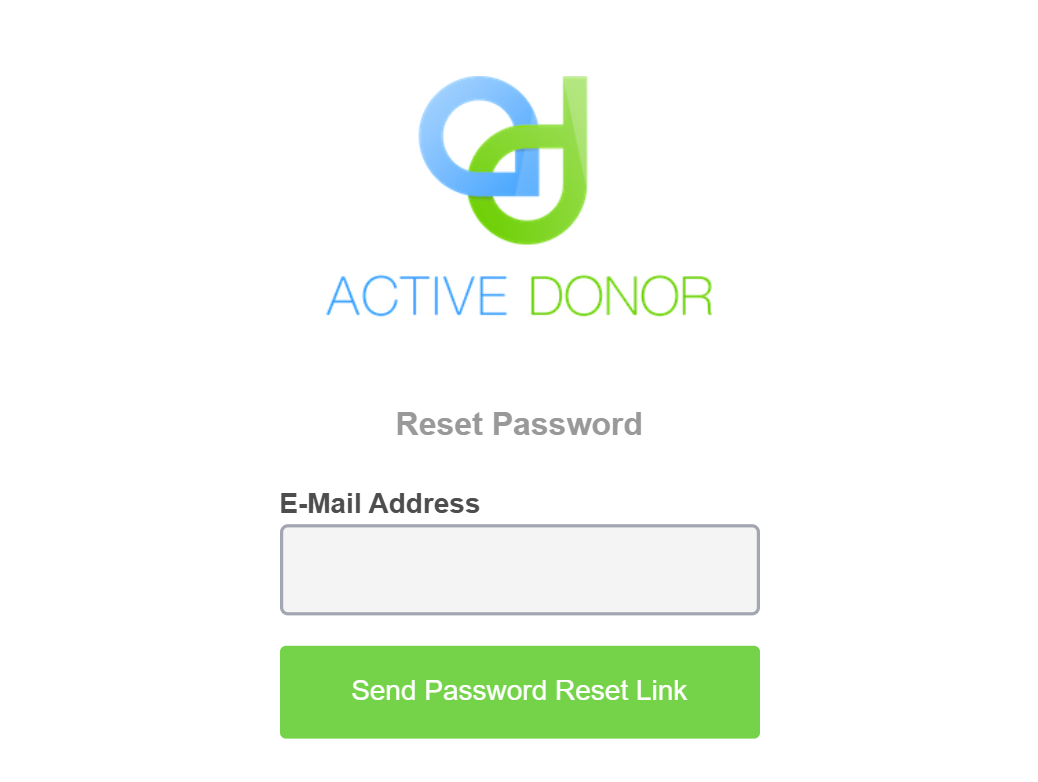
On the Reset Password page, enter your E-Mail Address and select Send Password Reset Link. If an account exists for that address, ActiveDonor emails you a reset link and shows a confirmation message on the page.
Step 3: Open the emailed link
Open the email and select the reset link. This opens a second Reset Password page.
Step 4: Set your new password
Confirm your E-Mail Address, enter your new Password, and repeat it in Confirm Password. Select Reset Password. Your password is changed and you're signed in and taken to your dashboard.
Choosing a new password
Your new Password and Confirm Password must match exactly. Choose something only you know — the reset page carries the reminder: "Treat your password like your toothbrush. Don't let anybody else use it, and get a new one every six months."
💡 Tip: If you can already log in and simply want to change your password, you don't need the reset flow. Change it on your profile instead — see Editing your profile (My Account).
If you're already signed in
If you open a reset link while already logged in, ActiveDonor recognises this and shows "Looks like you found your way in!" with a ← Back to Dashboard button instead of the reset form. In that case you don't need to reset your password.
Common issues & solutions
| What you see | What it means | How to fix it |
|---|---|---|
| The reset email doesn't arrive. | The address may be wrong, or the email is in spam. | Check your spam/junk folder. Confirm you used the same email that's on your account, and that you requested it from your charity's subdomain. |
| The reset link no longer works. | Password-reset links expire after a period. | Return to the login page, select Forgot Your Password? and request a fresh link. |
| The new password is rejected. | Password and Confirm Password don't match. | Re-enter the same password in both fields. |
| "Looks like you found your way in!" with a ← Back to Dashboard button. | You opened the reset link while already signed in. | You don't need to reset — select ← Back to Dashboard. To change your password, use your profile (see Editing your profile (My Account)). |
FAQ
Where is the "Forgot password" option? On your charity's login page, beneath the login form, as the Forgot Your Password? link.
The reset email never arrived — what now?
Check spam, confirm the email matches your account, and make sure you requested it from your own charity's address (not activedonor.com). If it still doesn't arrive, contact ActiveDonor support.
My reset link says it's expired or invalid. Reset links expire. Request a new one with Forgot Your Password? and use it promptly.
Can I just change my password without resetting it? Yes — if you can still log in, change it on your profile page. See Editing your profile (My Account).
What this does not do
- It does not work from the central
activedonor.comsite — request the reset from your charity's own address. - It does not reveal whether an email is registered: the confirmation message looks the same either way.
Related
Need a hand?
If you've requested a reset link several times and none arrive, contact ActiveDonor support with your charity's name and the email address on your account.