Latest updates and changelog
In short: Open Updates from the gear menu at the top-right (Latest Updates) or from the Updates item in the Settings left-hand menu. The Updates & Feedback page shows ActiveDonor's changelog and lets you suggest and vote on features. Any logged-in user can open it — no special permission needed.
Overview
The Updates page is where ActiveDonor publishes its changelog — new features, improvements and fixes — and where you can give feedback, vote on ideas and suggest new features. It's powered by an embedded feedback board (ProductLift). You're signed in automatically using your ActiveDonor account, so there's no separate login.
Before you start
You'll need:
- Just a logged-in account. No special permission is required to open Updates.
Opening Updates
Step 1: Choose how to open it
Open Updates one of two ways:
- In the top navigation bar, open the gear / cog dropdown and select Latest Updates (it carries a red NEW badge); or
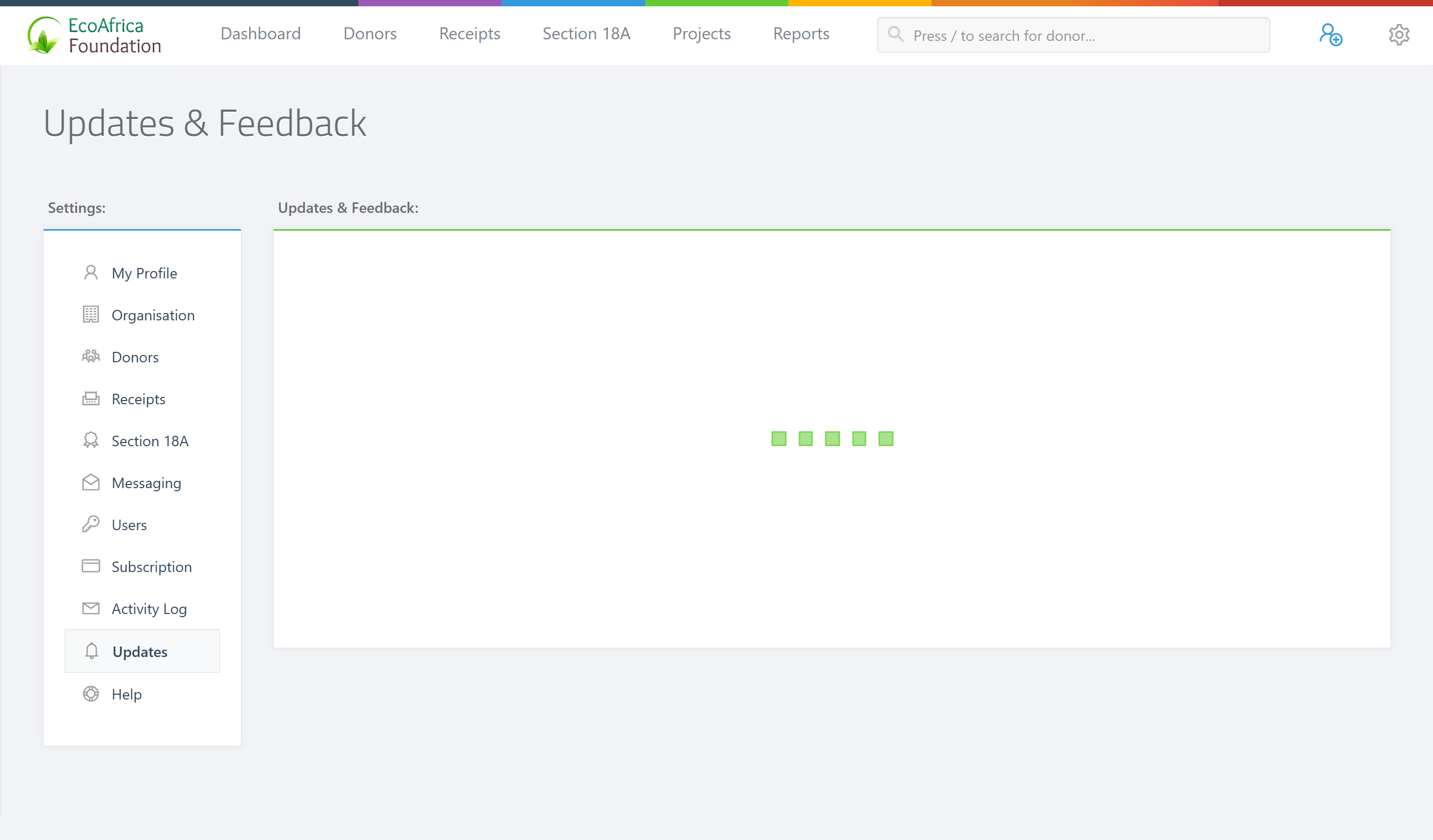
- In the left-hand Settings menu, select Updates.
Step 2: Browse the board
The page, headed Updates & Feedback, loads the embedded board. Browse the latest changelog entries, read announcements, and submit or vote on feature ideas directly in the board.
What you can do here
- See what's new — read the changelog of recent releases and improvements.
- Give feedback and suggest features — post ideas and vote on others' suggestions. The gear / cog dropdown also has a Suggest a Feature shortcut that opens the same feedback flow.
You're signed in to the board automatically using your ActiveDonor account, so you don't need to log in separately.
Common issues & solutions
| What you see | What it means | How to fix it |
|---|---|---|
| The board area stays blank or keeps showing a loading spinner | The board is loaded from an external service and hasn't finished loading. | Give it a moment, then refresh the page. |
| The board still won't load after refreshing | A browser extension or network filter may be blocking the embedded widget. | Disable ad/script blockers for this site, or try a different browser or network. |
FAQ
Where do I see what's new / the changelog? Open Latest Updates from the gear menu (top-right), or Updates in the Settings left-hand menu. The Updates & Feedback page shows the changelog.
How do I suggest a feature? Use Suggest a Feature in the gear menu, or post directly on the Updates & Feedback board. You can also vote on other people's ideas there.
Do I need a special permission to see Updates? No — any logged-in user can open it.
The updates board won't load — what do I do? It loads from an external service. Refresh the page; if it still won't appear, a browser extension or network filter may be blocking it.
Related
Need a hand?
If the Updates board never loads even after refreshing and disabling blockers, contact ActiveDonor support and tell us which browser you're using.